Ultimate Genesy AI Review: 5 Pros & Cons To Know Before Investing

If you are checking genesy.ai, you are likely trying to see if it fits your outbound work.
I looked into Genesy AI when managing prospecting and follow-ups started taking too much time across tools.
Genesy AI combines B2B data from many providers with LinkedIn and email outreach in one workflow.
I wanted to check how it behaves once real leads and replies come in.
So I spent time reviewing how Genesy AI handles lead imports, enrichment, and AI-led follow-ups.
I also noted where the tool helped and where it slowed me down.
Here is what this Genesy AI review covers:
- Five top pros
- Five limits to know before paying
- How the data holds up in daily use
- How pricing feels when usage grows
- Who this tool fits in real teams
Read on to decide if genesy.ai fits the way you run outbound.
TL;DR: 5 Pros and Cons of Genesy AI
What is Genesy AI?
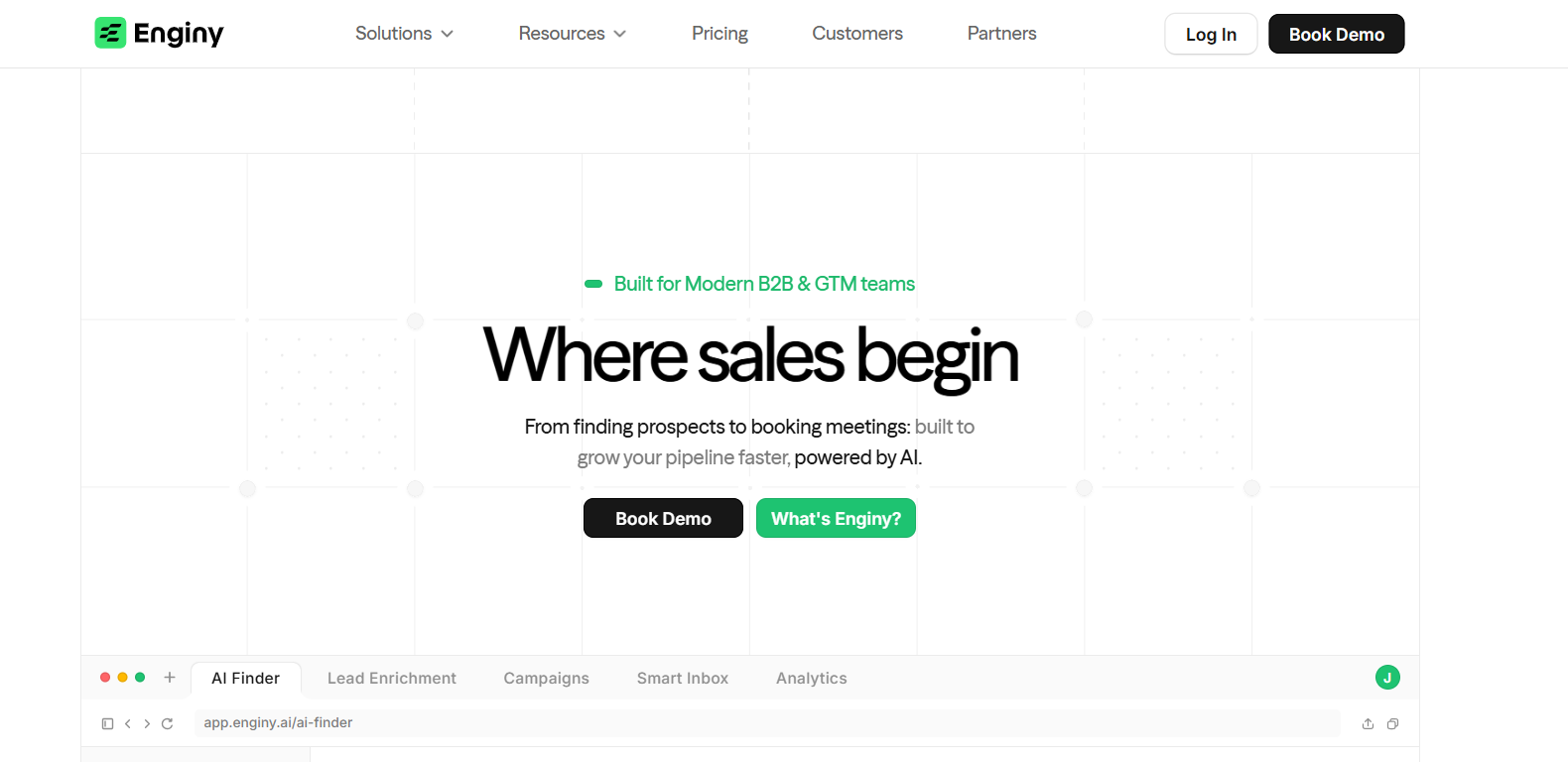
Genesy AI (now Enginy) is a B2B sales platform that helps teams find, enrich, and contact prospects.
It is used to pull company and contact data from multiple providers. This reduces manual list building across tools.
The tool works for finding new B2B leads.
Teams can define their ICP, clean lists, and export data to their CRM.
Genesy AI pulls data from more than 30 providers and enrichment tools. This helps fill missing emails and phone numbers before outreach.
Along with contact data, Genesy AI adds fields like job titles, company details, and website context.
This gives enough context to write outreach without extra research.
How Does Genesy AI Work?
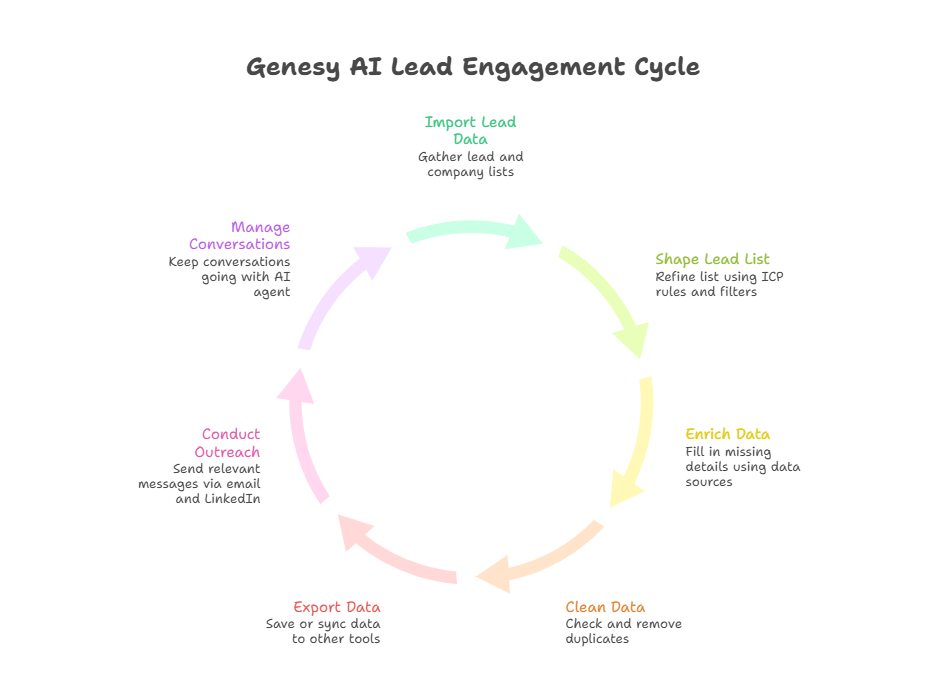
Genesy starts with raw lead data and ends with real outreach in one flow.
First, it prepares the data. Then, it uses that data for outreach.
- You can import lead and company lists from places like LinkedIn, Google Maps, or CSV files.
- From there, the list can be shaped using ICP rules and basic filters.
- Once the list looks right, Genesy AI starts filling in missing details.
- It enriches each record in the waterfall using several data sources. This adds emails, phone numbers, job titles, and company fields.
- Before anything is used for outreach, the data goes through a cleaning step.
- Emails and phone numbers are checked, and duplicates are removed.
- The list can be exported as CSV or Excel. It can also be synced to tools like HubSpot, Salesforce, Pipedrive, or Zoho.
- Outreach can run on both LinkedIn and email from one inbox view.
- Messages use the enriched profile data to stay relevant to each lead.
- If someone does not reply, follow-ups are sent.
- When conversations move forward, the AI agent can keep them going.
After that, the data is ready to use. The second part is about turning that data into conversations.
This helps move leads toward booked meetings without manual work.
Top Features of Genesy AI
Genesy AI combines lead data work and outbound in one flow.
These are the core features that shape how Genesy is used day to day.
Genesy AI Pricing
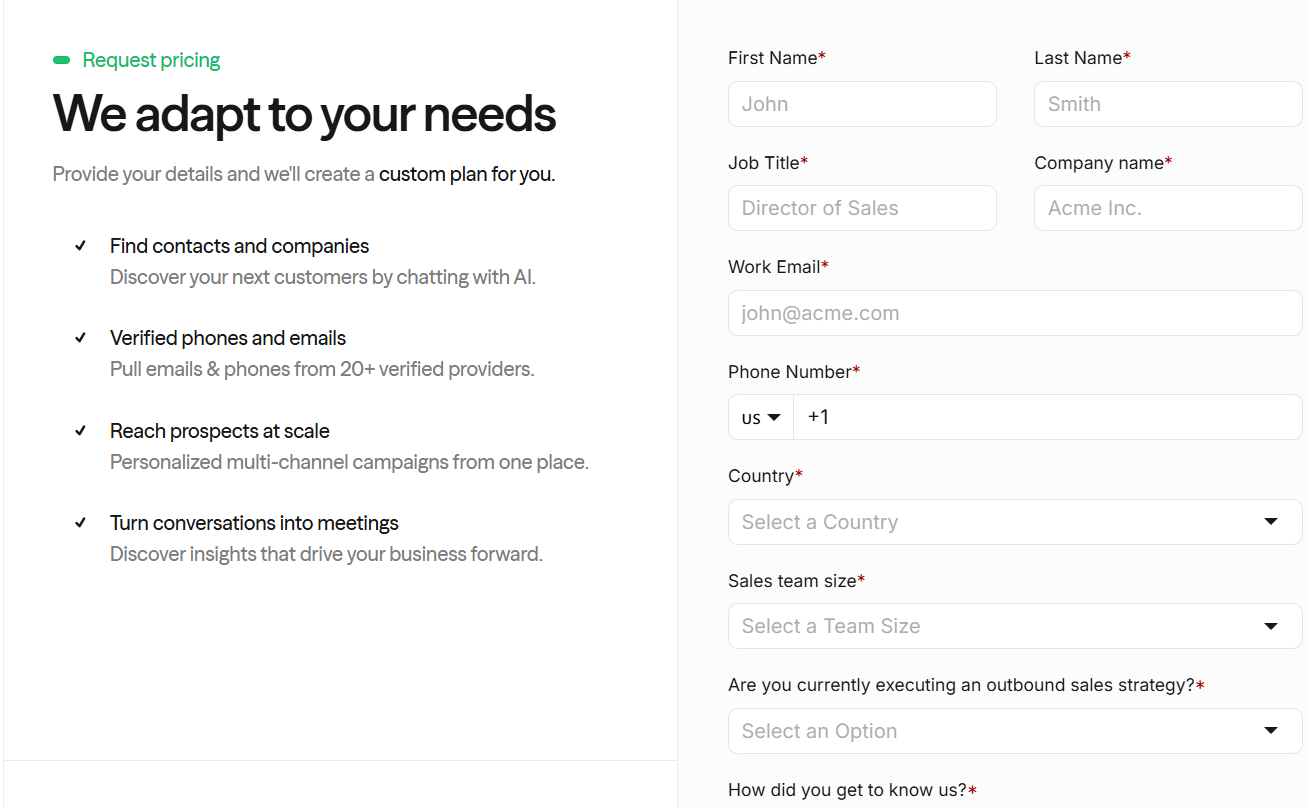
Genesy does not list public pricing plans. Pricing is shared only through sales.
- Pricing is quote-based
- Cost depends on usage and features
- A demo is required to get a price
- Plans are tailored to team size and needs
There is no self-serve plan or fixed monthly tier shown on the site.
Top 5 Pros of Genesy AI
- Genesy aggregates B2B lead and company data from more than 30 sources in one place.
- The platform supports waterfall enrichment using 20+ enrichment tools to fill missing emails and phone numbers.
- Leads can be imported from LinkedIn, Google Maps, and CSV or Excel files.
- Genesy cleans lead lists using ICP rules and removes duplicates before outreach.
- The AI sales agent runs multi-channel outreach on LinkedIn and email from a single inbox view.
Top 5 Cons of Genesy AI
- Genesy does not show fixed pricing on the website, so real costs are unclear before speaking to sales.
- Setup requires defining ICP rules, enrichment flows, and automation steps, which adds upfront work before campaigns can run.
- Data quality varies by source because enrichment pulls from 30+ providers and tools, not one controlled database.
- Outreach volume is limited by LinkedIn and email channel limits, not only by Genesy’s automation features.
- The platform bundles data sourcing, enrichment, and outreach in one workflow, which can feel heavy for teams that only need lead data or only need outreach.
User Reviews About Genesy AI
Genesy AI is mainly used for B2B lead sourcing, enrichment, and multi-channel outreach.
Users talk a lot about how it changes prospecting speed and how teams run outbound from one place.
Here is what users like and dislike about using Genesy AI.
I. What Users Like About Genesy AI:
- Several users say having lead search, enrichment, and outreach in one platform makes outbound work easier to manage.
- Some users say onboarding teams is easier compared to using separate tools for data and outreach.

- Several users report faster prospecting because enrichment and campaign setup happen in one flow.

- Some users say the campaign dashboard helps track progress and campaign health across the team.
II. What Users Dislike About Genesy AI:
- Some users say there is a learning curve when setting up ICP rules, lists, and automation flows.

- Some users say the AI text generation works better for short messages than for long text.
- A few users report occasional bugs or UI issues because the product is still being developed.

- Some users say LinkedIn limits and acceptance rates affect outreach results, even when Genesy is set up correctly.
Is Genesy AI the Right Choice for You?
Genesy AI may look useful for teams that want to combine lead data, enrichment, and outreach in one workflow.
But the setup effort and pricing model can outweigh the benefits for some teams.
The lack of public pricing makes it harder to judge cost before speaking to sales, which adds friction for teams comparing tools quickly.
On top of that, results depend a lot on how the setup is done.
Good results usually come after some time spent setting things up.
Genesy AI fits teams that want a full, structured setup.
For teams that mainly want to launch and manage outreach faster, a focused sending tool is easier to use day to day.
A Better Alternative to Genesy AI for Outreach: Salesforge
Genesy AI combines lead data, enrichment, and outreach in one system. That works when one team wants everything inside a single tool.
From my experience, this setup adds more steps before campaigns go live.
List building, enrichment rules, and outreach flows all need to be set first.
Salesforge is easier to use when the main goal is to send and manage outreach.
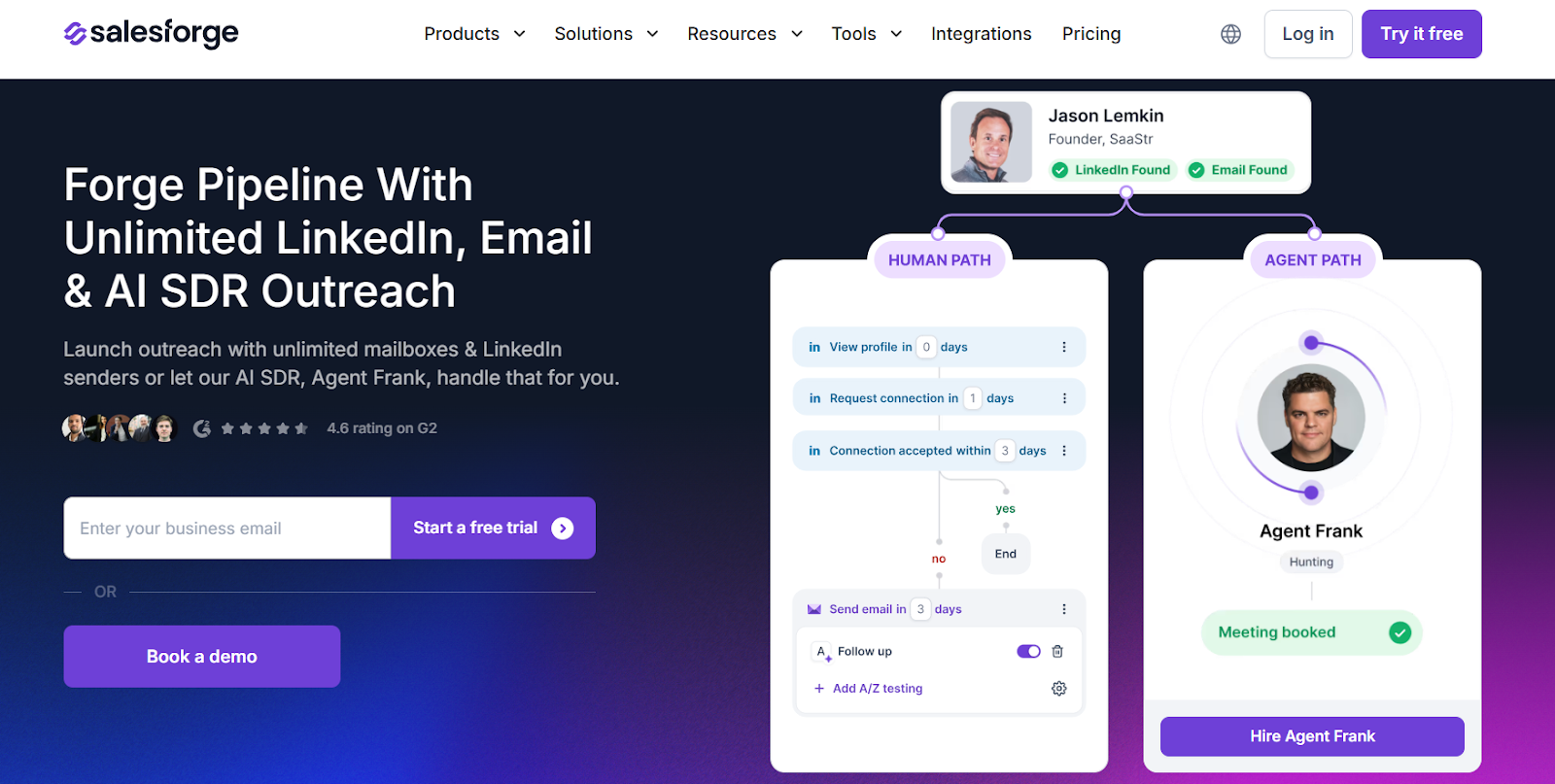
I use it when the goal is to launch sequences fast and manage replies.
Salesforge handles multi-channel sequences across email and LinkedIn.
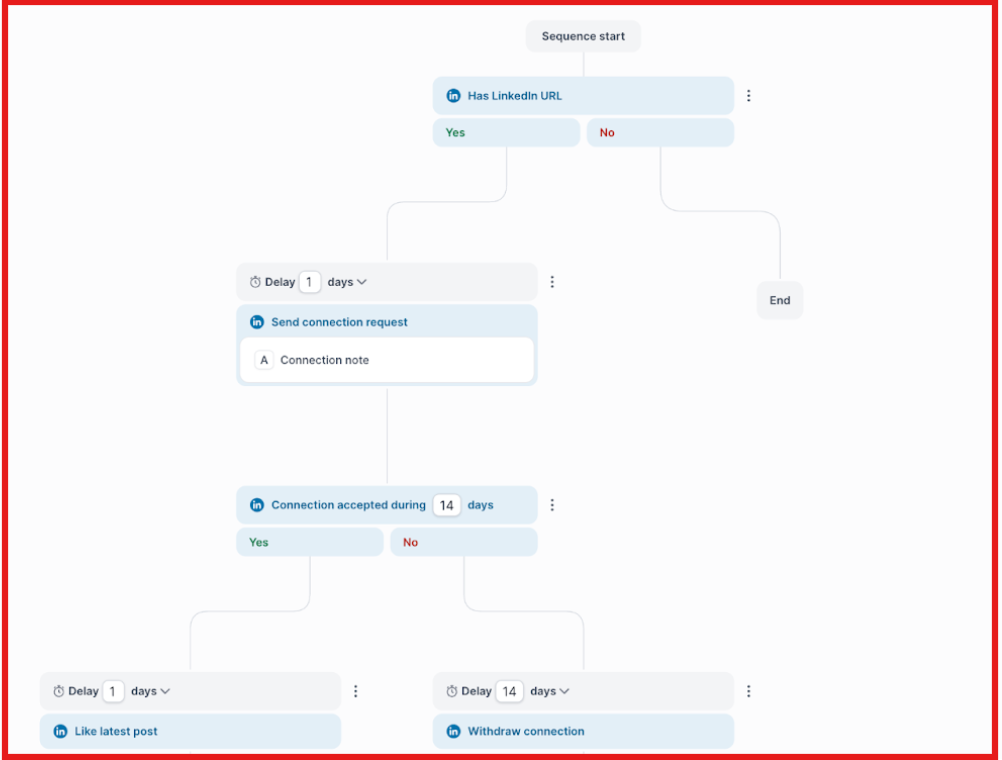
It also manages replies from both channels inside Primebox™.
For lead search, I use Leadsforge to build lists before outreach starts. Those leads can then be sent into Salesforge to launch sequences.
Warmforge runs warmup and mailbox health in the background. That keeps deliverability stable as volume increases.
This setup splits lead search, sending, and deliverability into clear steps. It removes extra setup from outreach and keeps each tool focused on one job.
Genesy AI vs Salesforge: Quick Comparison
If Genesy feels heavy for running outreach every day, Salesforge is easier to operate.
Lead search stays in Leadsforge, warmup stays in Warmforge, and outreach runs in Salesforge.
This keeps each part of outbound simple and easier to control at scale.
Is Genesy AI Worth It?
Genesy AI works when one team wants lead sourcing, enrichment, and outreach in one place.
That setup can be helpful for simple workflows.
In my use, it added extra steps before I could work with a clean list.
For daily prospecting, I stick with Leadsforge.
I can move from ICP to export in one pass.
When it is time to send, I move those leads into Salesforge.
That is where email and LinkedIn sequences run.
Replies from both channels show up in Primebox™. Warmforge keeps mailboxes healthy in the background.
This split setup removes setup work from outreach. It helps campaigns go live faster.
Try multi-channel outreach with Salesforge and launch your first sequence.
.png)
.png)

.png)
